DE EN ES
wolfeye.co
Pricing Start Free Trial

Monitor everything that happens on your business computers

With the monitoring software “Wolfeye Remote Screen” you can see your business PC screens live and remotely from your own computer — as if you were sitting in front of them.

Start Free Trial

For Windows PCs. No credit card required.

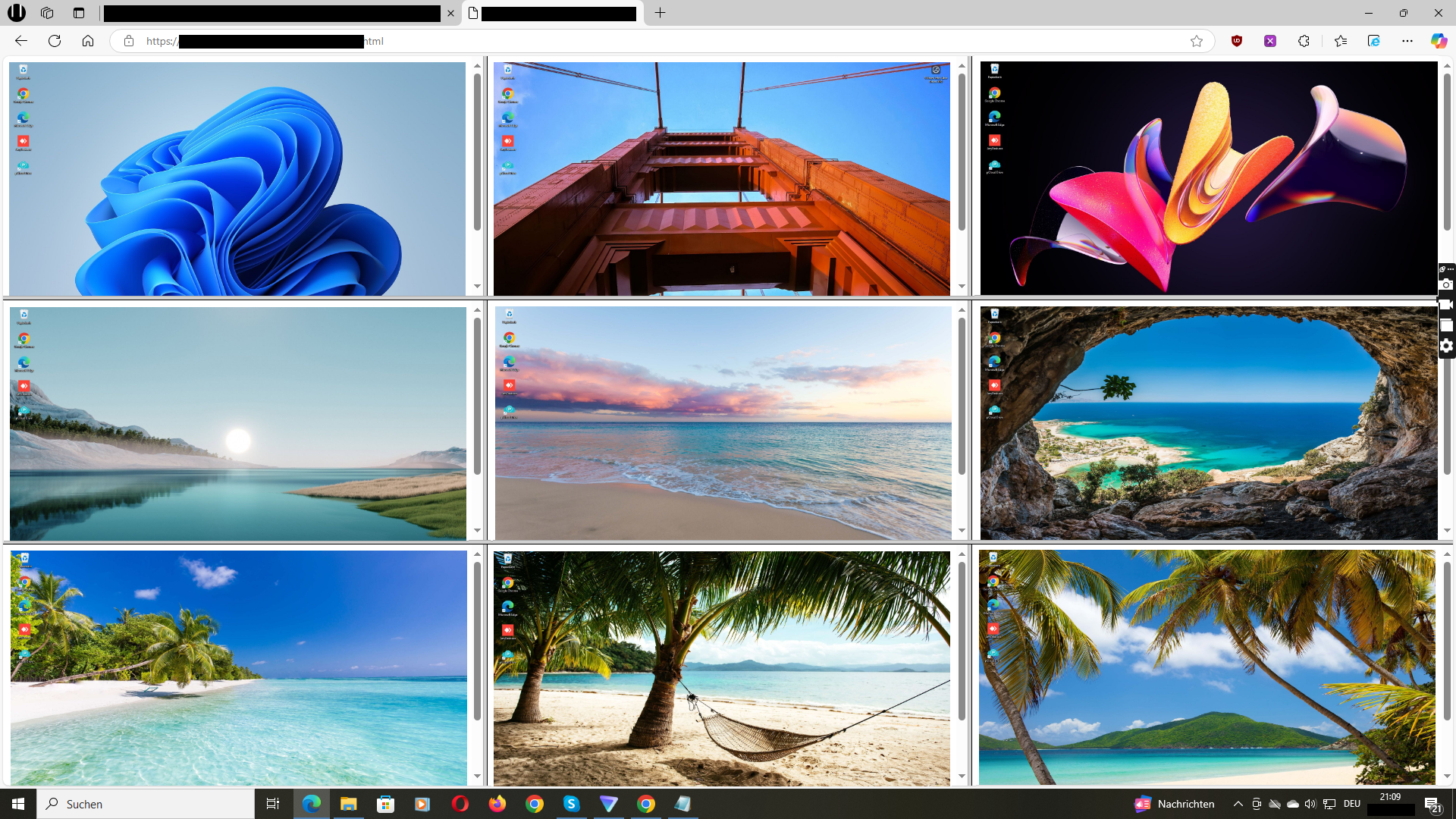
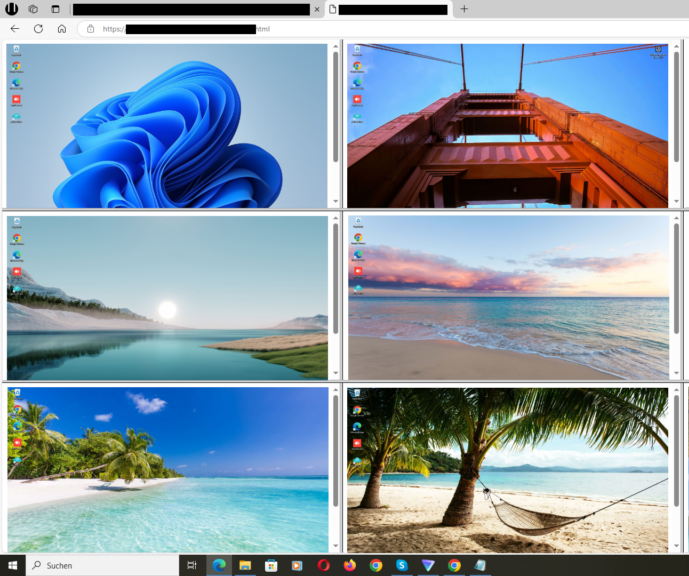
Wolfeye Remote Screen: Real-time live view of multiple monitored PC screens

Features

See the Live PC Screens

View your computer screens live remotely over the internet using your web browser, as if you were sitting right in front of. You will see the live screens on your browser updating every 3 seconds.

Additionally, screen recordings can be saved for later viewing if desired. To enable this feature, send an email to email@wolfeye.co with the subject "Activate Archiving" (available in the trial version as well). Activation may take 1-2 hours.

Start Free Trial
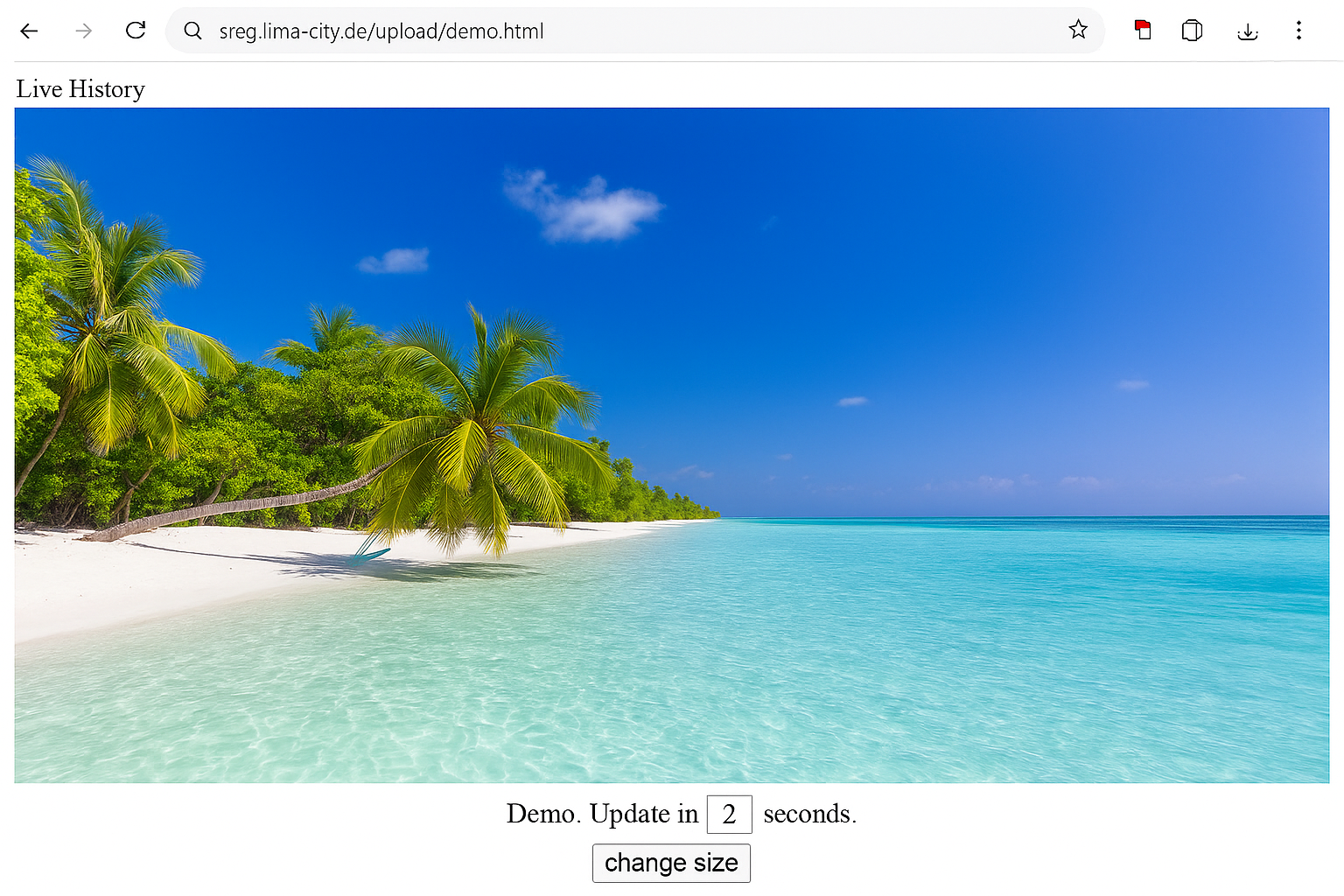

Wolfeye Live Screen Dashboard with Live History and update every 3 seconds

Screenshot History

Take screenshots regularly to see exactly what the user sees! That will help you to know visited websites and track browsing behavior.

Screen recordings / Screenshot History can be saved on demand for later viewing. To enable this feature, send an email to “email@wolfeye.co” with the subject “Activate Archiving” (available in the trial version as well). Activation may take 1-2 hours. You can also write a message on Whatsapp: +4915123278866.

Start Free Trial
Wolfeye Screenshot History with grid of screenshots and timestamps

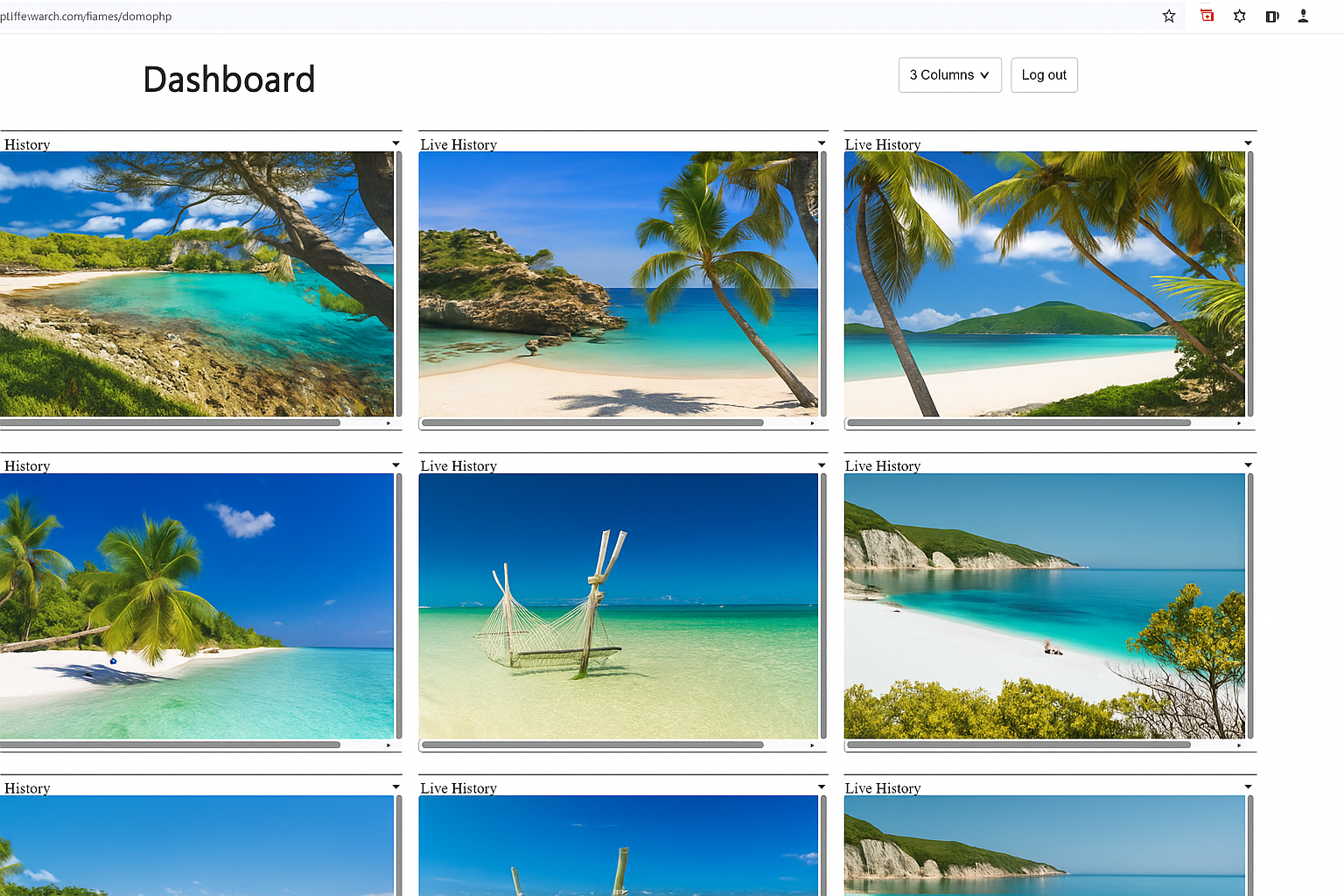
Multiple Computers on One Dashboard

Install the “Wolfeye” software on each of the computers that you want to monitor. You’ll then see all users’ screens live and remotely on your Dashboard.

Send us an Email to “email@wolfeye.co” with the subject “Dashboard” to receive your Dashboard link after installing Wolfeye on each of the computers that you want to monitor. Include in that email also the remote live screen url links that you want to have included in the Dashboard.

Start Free Trial
Wolfeye Dashboard to monitor multiple computers with live screens grid

Stealth Remote PC Monitoring

Discover what people are currently doing on their computers: Are they working productively or wasting time on sites like Facebook? Are they participating in online lessons or simultaneously watching YouTube or playing games? Conveniently view the PC’s live screen remotely via a web browser from any PC or even your mobile phone. Call us to do a Demo session and learn more about Wolfeye.

Wolfeye will run invisibly in stealth mode and will start automatically when Windows boots. Ideal for monitoring multiple employees or computers in schools.

Start Free Trial
Wolfeye Stealth Monitoring with grid of app and screen screenshots