
1. Start with a concrete purpose
Monitoring without a defined purpose creates legal risk and damages trust. Typical legitimate purposes include verifying that business systems run correctly, supporting employees during training, or documenting work on shared machines where this is contractually agreed.
Write the purpose down before installing anything. A one-page internal note that states what is viewed, by whom and why is often enough to keep the later setup disciplined.
2. Check the legal ground before you install
Rules differ by country, but common themes repeat: employees must usually be informed, the measure must be proportionate to the purpose, and covert monitoring of individuals is restricted or prohibited in many jurisdictions. In Germany, works council agreements and data protection rules typically apply.
Clarify the legal basis, information duties and required approvals with a qualified advisor before deployment. Owning the hardware does not by itself permit arbitrary observation. This guide is not legal advice.
3. Inform your team openly
Transparent use is both a legal expectation and a practical advantage. Tell employees which devices are included, what is visible, who can view it and when. Written notices and a short internal policy prevent misunderstandings.
Experience from many deployments suggests that open communication changes the effect of monitoring: it becomes an accepted part of IT operations rather than a source of suspicion.
4. Live view versus screenshot history
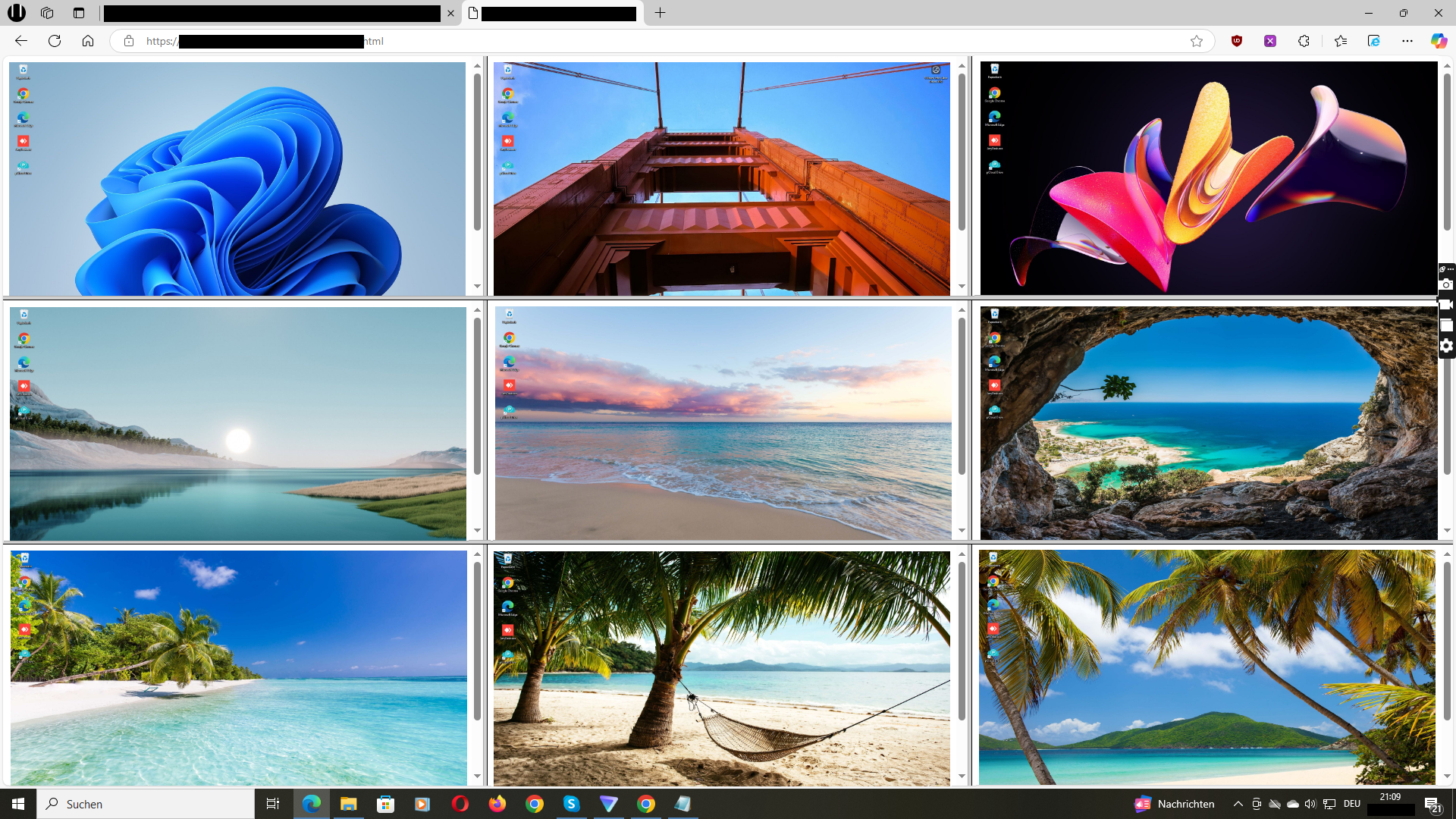
A live view answers the question of what is happening right now, for example during support or when checking whether a process is running. Wolfeye refreshes the view every few seconds and displays several PCs side by side.
A screenshot history is a separate decision. Stored images require their own authorized purpose plus rules for access, retention and deletion. Consider whether live viewing alone already covers your purpose before enabling any history.
5. Keep the scope narrow
Include only the devices and user groups that the stated purpose requires. Restrict dashboard access to named administrators, protect it with strong credentials and review access when roles change.
Avoid continuous observation of individuals as a default. Targeted, purpose-bound checks are easier to justify and easier to explain to your team.
6. Where Wolfeye fits—and its limits
Wolfeye focuses on showing Windows PC screens in a browser dashboard, with an optional screenshot history. It suits small businesses that want a straightforward overview of their managed devices.
This page does not promise keystroke logging, website blocking, productivity scoring or automatic alerts. If you need those, evaluate them separately. PCs must be online and the installed software must be running for the view to update.
A practical rollout in five steps
- Define and document the purpose of monitoring.
- Clarify the legal basis and information duties for your country.
- Inform employees in writing before activation.
- Limit access to named administrators and included devices.
- Start with live viewing; enable history only with a separate purpose.
Common questions
Is employee monitoring software legal?
It depends on your country and how you use it. Common requirements are a legitimate purpose, proportionality and informing employees. Covert monitoring is restricted in many jurisdictions. Get qualified legal advice before deployment; this page is not legal advice.
Do employees need to know they are monitored?
In most jurisdictions, yes—transparency is a baseline expectation and often a legal requirement. Written notice about scope, purpose and access is the practical standard.
Does Wolfeye record screens continuously?
Wolfeye describes its screenshot history as optional. You can use live viewing without storing images. If you enable history, define access, retention and deletion rules first.
How can I see the dashboard before installing?
Open the online demo. It shows an example dashboard, not your own devices. To test on your managed PCs, contact the developer through the demo request page.