Live screens in real time
See live screens of company-owned PCs—remote, in your browser, auto-updating (e.g., every 3 seconds).
Use live view for support, QA and training—without starting a remote desktop session.
Book a Live Demo →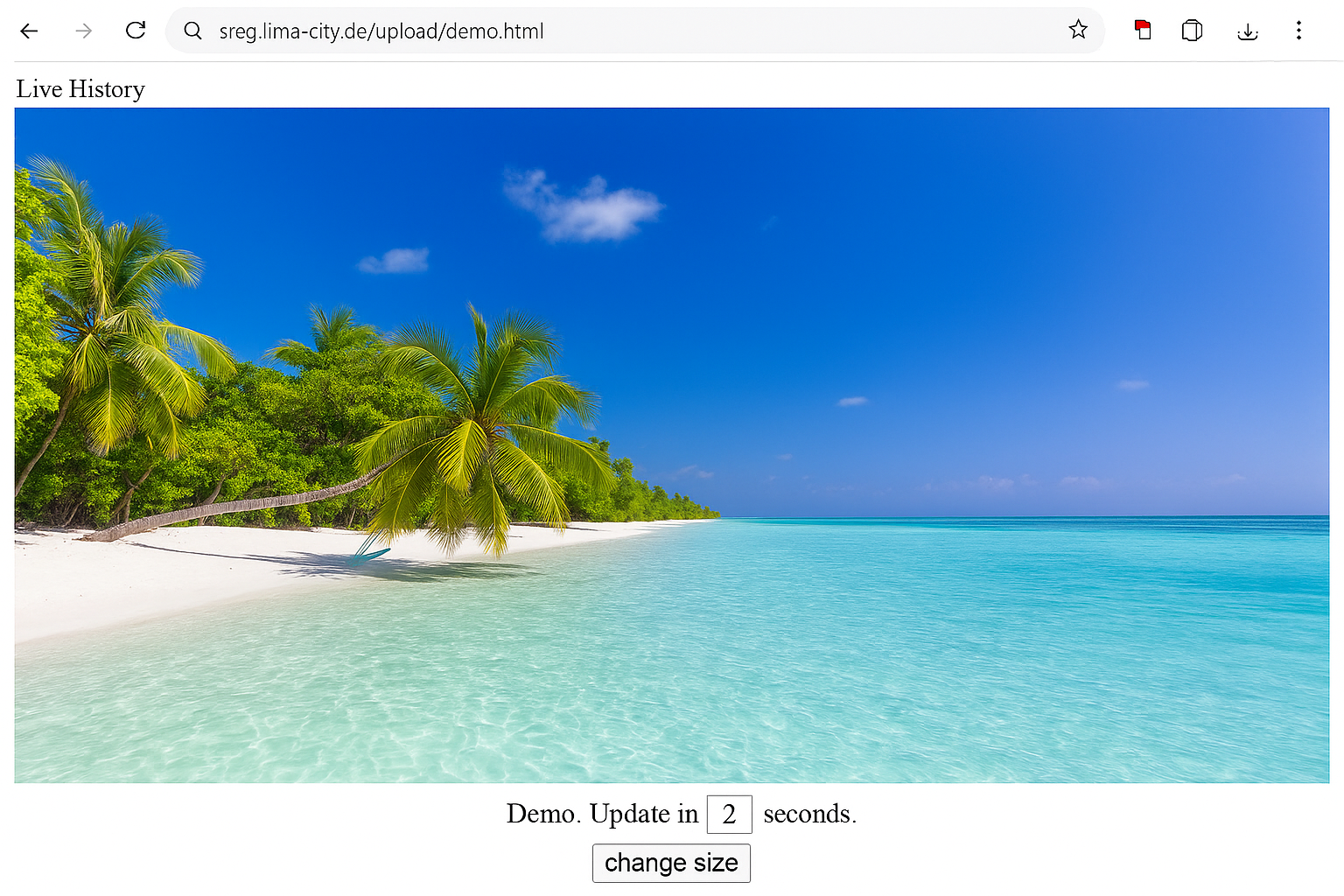
With Wolfeye, see live screens of company-owned PCs in a browser-based grid view. Built for businesses, IT providers, support, QA, training and transparent remote work.
Only $80 per year per PC · 14-day trial available · For company-owned Windows PCs
Windows · Browser dashboard · For company-owned PCs · Scalable (5–500)
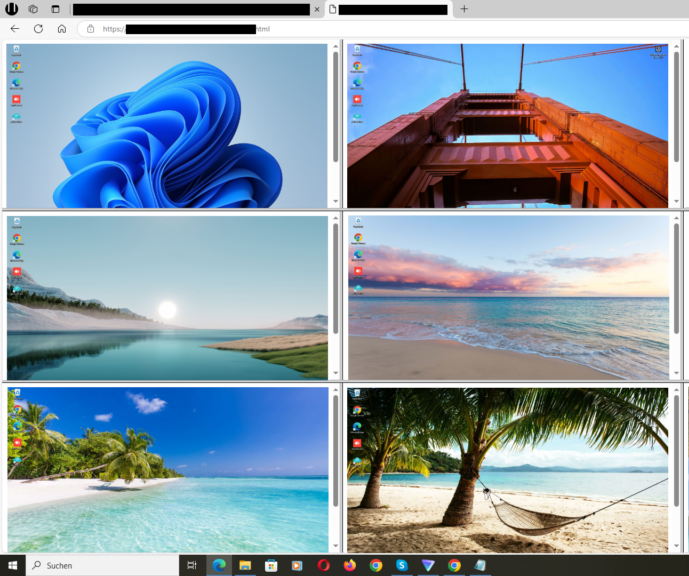
Whether IT services, crafts, or agencies—Wolfeye helps make support, QA, training and remote work more visible. IT providers also use Wolfeye to give clients transparent insight into managed PCs.
See live screens of company-owned PCs—remote, in your browser, auto-updating (e.g., every 3 seconds).
Use live view for support, QA and training—without starting a remote desktop session.
Book a Live Demo →
One login—see live screens of company-owned PCs. Works for office & remote. Scales from 5 to 500+.
Fast onboarding: install agent → dashboard opens instantly in the browser.
Book a Live Demo →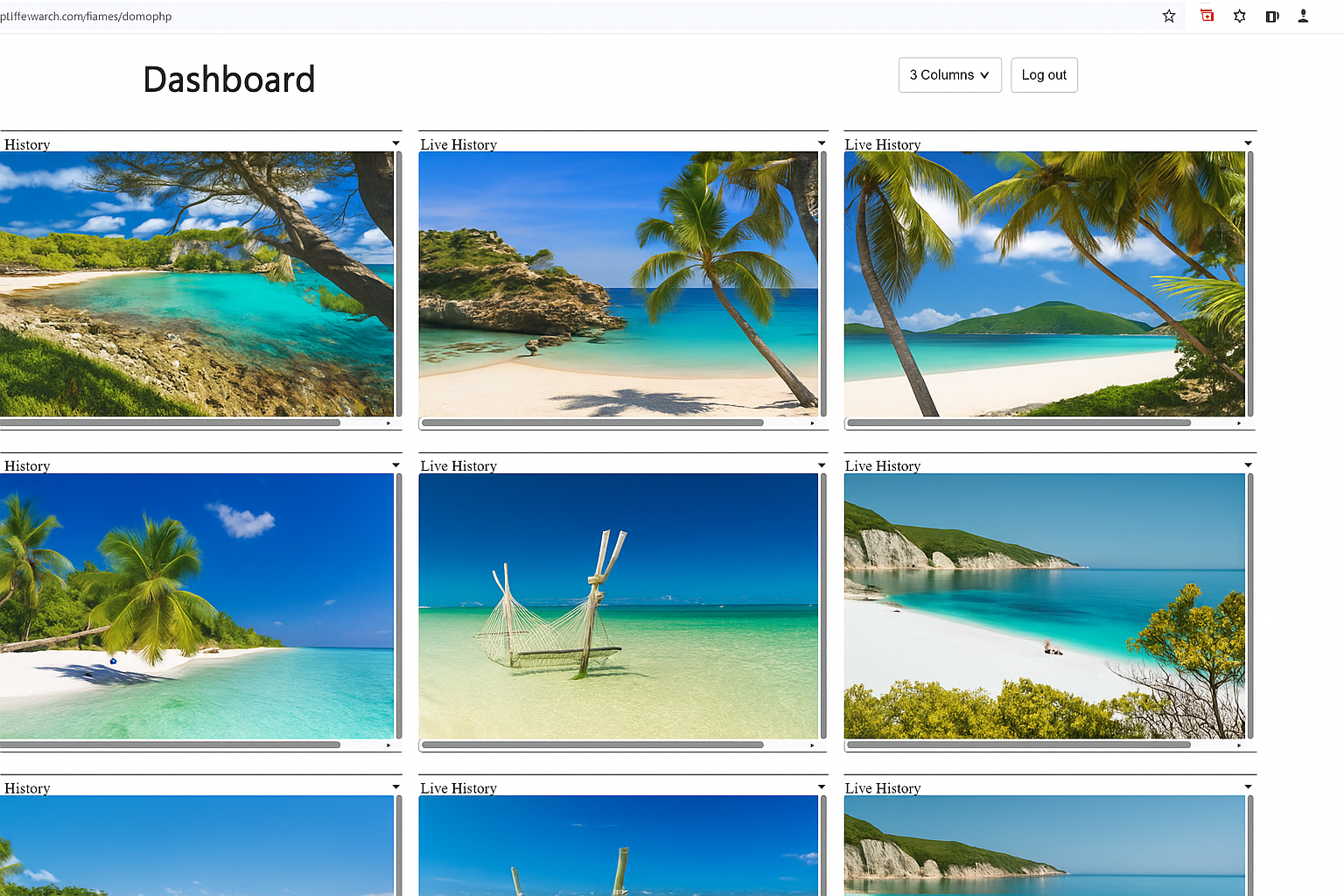
If enabled, you get an optional screenshot history for accountability (e.g., QA, training or internal processes).
Need help? WhatsApp support: +49 151 23278866
Book a Live Demo →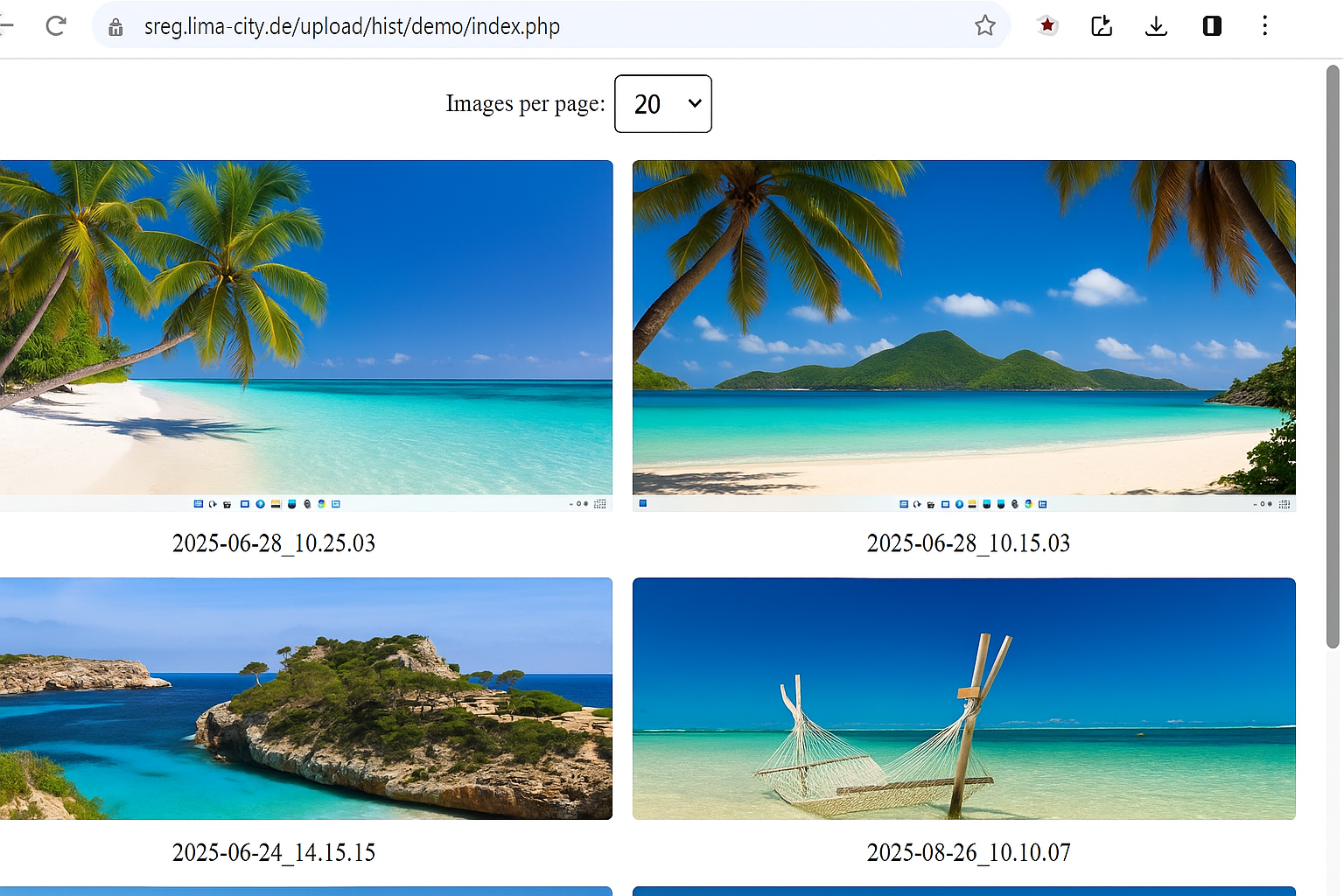
Wolfeye can run on company-owned Windows PCs when the system starts, so the dashboard stays reliably available.
Important: Use monitoring only on devices you are legally allowed to manage and according to applicable employment and privacy rules. We recommend transparent use with a clear IT policy and legal advice.
Book a Live Demo →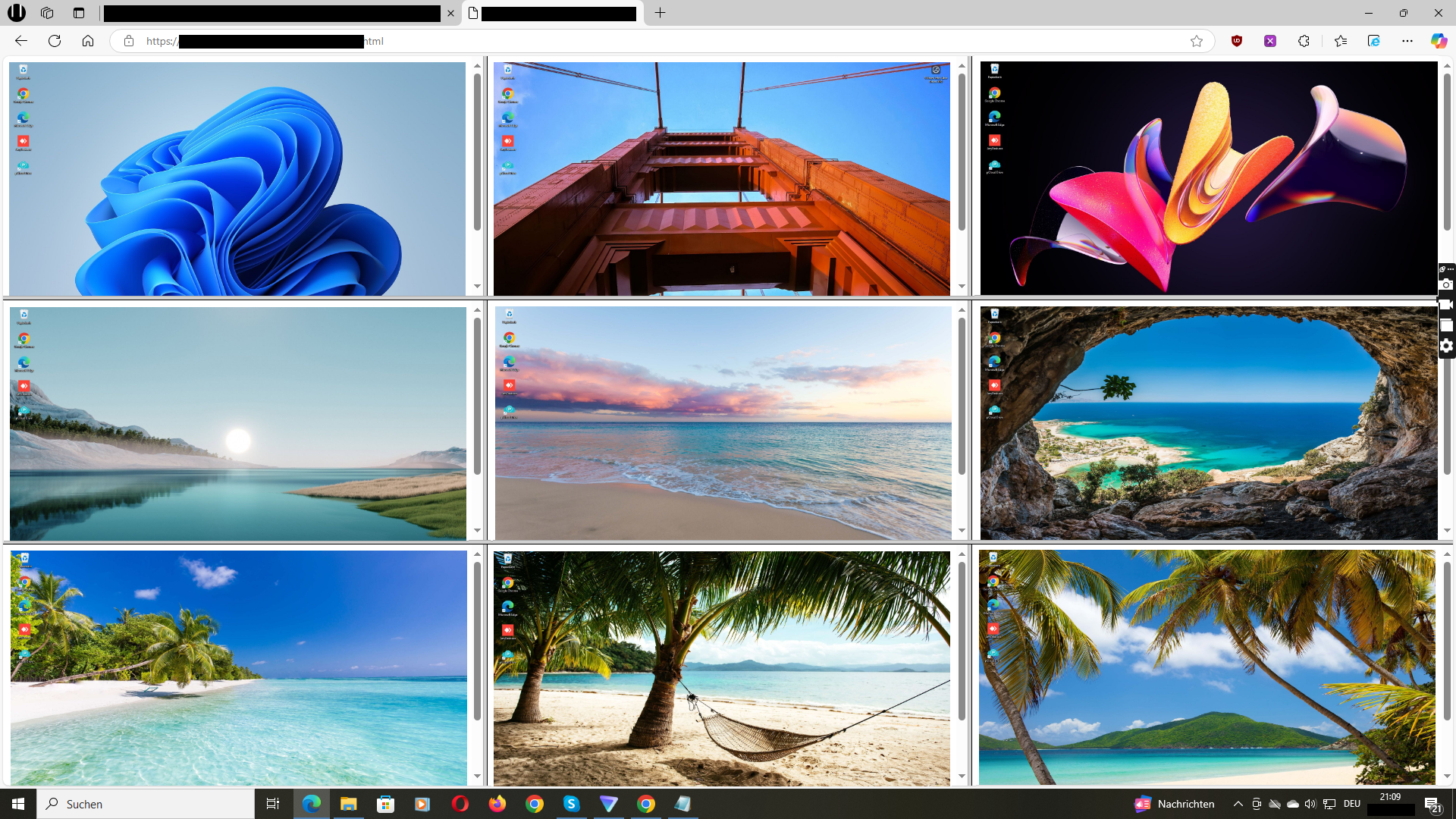
See how Wolfeye shows live screens of company-owned PCs and what the optional history looks like.
Video: Wolfeye in action (YouTube)
Practical articles, templates and setups—free and ready to implement.
Go to Blog →