CleverControl Alternative: Wolfeye vs CleverControl (2026)
Compare CleverControl vs Wolfeye for live screen monitoring, screenshot history, features, platforms and pricing. See which approach better fits your business.
Read more →Technical guides and playbooks for IT providers & SMBs: live visibility, lean setups, clear workflows.

Compare CleverControl vs Wolfeye for live screen monitoring, screenshot history, features, platforms and pricing. See which approach better fits your business.
Read more →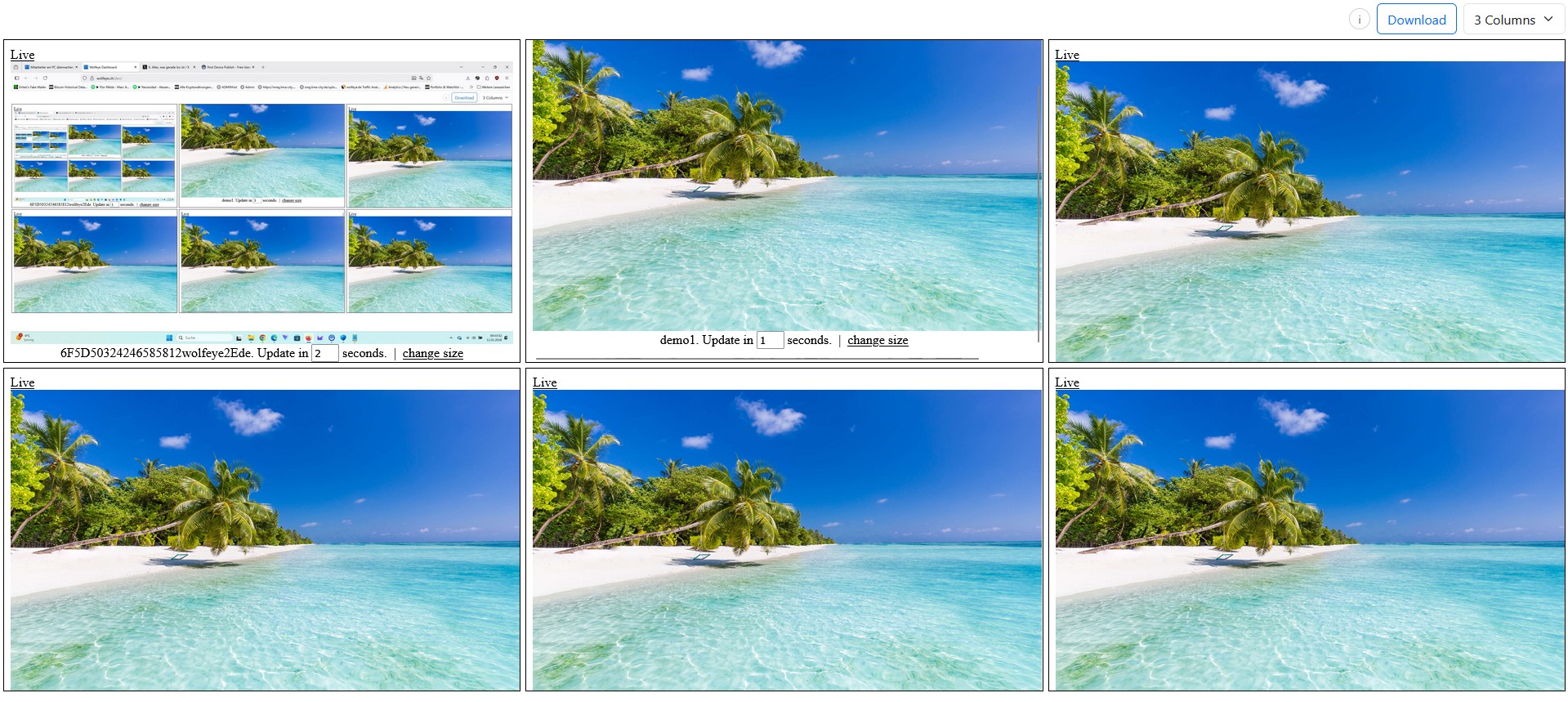
Practical guide for SMBs and IT service providers/MSPs: how to start employee screen monitoring safely with a pilot on the first 5–10 company-controlled Windows PCs. Includes scope, roles, viewer workflow, pilot checklist, troubleshooting and go/no-go criteria. No legal advice.
Read more →
Technical pre-rollout checklist for SMBs and IT service providers/MSPs: 7 preparation steps before monitoring employee screens on company-controlled Windows PCs. Covers scope, use cases, naming, viewer roles, pilot tests, Windows/antivirus prep and dashboard routines. No legal advice.
Read more →
Practical guide for SMBs and IT service providers/MSPs: a new hire IT onboarding checklist for company-controlled Windows PCs. Covers Day 1, Week 1 and Week 2 training workflows, live support without unnecessary interruption and optional screenshot history. No legal advice.
Read more →
Technical guide for SMBs and IT providers: the 4 main types of employee monitoring software explained — time tracking, app and website reports, forensic monitoring, and live screen viewing. See what each category actually shows, where it fits, and how to choose the right type. No legal advice.
Read more →
Practical guide for SMBs and IT providers/MSPs: how to see live screens on company-controlled PCs in a browser dashboard without taking over mouse and keyboard. Includes the difference from remote desktop, common use cases like onboarding, QA and support triage, plus clear operational best practices. No legal advice.
Read more →
Practical rollout checklist for SMBs and IT providers/MSPs: how to apply the same monitoring standard to office PCs and home-office company laptops without creating technical chaos. Covers scope, naming, access roles, pilot rollout, live dashboard routines and optional screenshot history. Technical/organisational only — no legal advice.
Read more →
Mobile-first playbook for SMBs & IT providers/MSPs: check live screens on company-controlled Windows PCs in a discreet background setup from your phone or laptop. Includes a 15-minute setup checklist, “grid radar → zoom” workflow, safe viewer roles, and troubleshooting. No legal advice.
Read more →
Technical guide for SMBs and IT providers: monitor company-controlled Windows PCs in a browser-based live dashboard with grid and single-screen view. Includes setup flow, smartphone access, dashboard organization and optional screenshot history. No legal advice.
Read more →
Copy/paste sales kit for IT providers/MSPs: pilot→rollout→managed offer, pricing worksheet (per PC → MRR), 1-page proposal template, kickoff agenda, monthly review report outline and objection handling. Technical/operational only — no legal advice.
Read more →
A practical vendor-comparison checklist for SMB owners and IT providers/MSPs: choose the right category (live screens vs logs vs time tracking), use a weighted scorecard, copy/paste RFP questions, and run a 10-PC pilot to validate performance and access control.
Read more →
Want live screen visibility without creating fear or micromanagement? Use this simple business-owner script plus a practical rollout plan (purpose, scope, roles, transparency, training). Technical/operational only — no legal advice.
Read more →
A technical deep dive for SMBs & IT providers/MSPs: how live screen monitoring (often screenshot-based) captures, compresses and securely transfers data via HTTPS, and how access control protects live views. Includes common pitfalls, a security checklist and a quick pilot setup — technical only, no legal advice.
Read more →
Why live screen visibility is becoming standard in remote/hybrid work: what you actually see (vs logs), common use cases (support, training, QA, security), a fast setup walkthrough, bandwidth/performance notes, stealth options, and best-practice policies — technical only, no legal advice.
Read more →
Time tracking measures time/events. Live screen monitoring shows real context in near real time. This technical guide explains differences, pros/cons, common use cases (training, QA, security) and a decision matrix — technical only, no legal advice.
Read more →
A practical “triage → timeline → decision” playbook for SMBs and MSPs using live view + optional screenshot history — so you can verify what actually happened on a specific company computer (without guessing).
Read more →
A practical playbook for SMBs & MSPs: run the live grid as a “radar”, zoom into full-screen live view only when needed, choose 2/3-column layouts, apply a naming standard, and scale cleanly from 10 to 100+ PCs — including a 10-minute pilot and access controls. Technical only, no legal advice.
Read more →
A practical 15-minute pilot to verify CPU/RAM/disk/network impact before rollout: benchmark steps, lightweight dashboard workflows, troubleshooting, and a Task Manager snapshot example (kernelw11.exe ~4.5 MB RAM, 0% CPU at the moment captured). Technical only, no legal advice.
Read more →
Annual licensing instead of monthly subscriptions: predictable budgeting, simpler MSP math, less admin – and how to pass through a per-PC yearly price cleanly. Commercial/technical overview only, no legal advice.
Read more →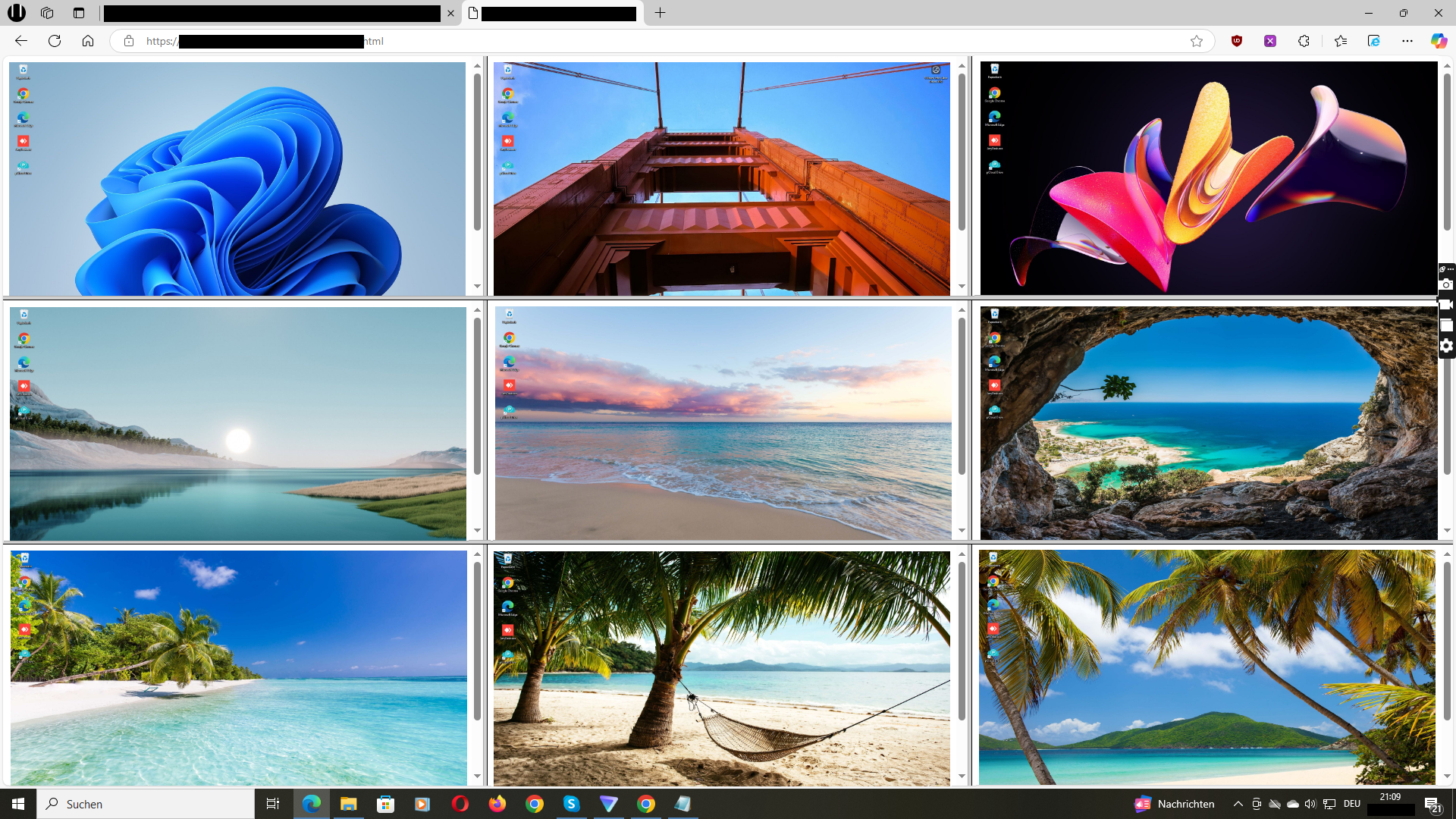
A logistics company with 50 PCs. Wolfeye shows all screens live – updated every 3 seconds. Result: 30% more productivity in 30 days, 15 hrs/week less distraction.
Read more →