Live grid: instant overview
One login — see all relevant screens in a grid. Spot anomalies in seconds.
For incident response: verify live first, then respond precisely.
14 Days Free Trial →
With Wolfeye, get live visibility across Windows PCs — a browser-based grid view. Built for incident response, insider threat checks, and fast verification without guesswork.
Only $80 per year per PC · Cancel anytime · 14 days free
Windows · No credit card · Scalable (5–500)

Suspicious behavior: unusual apps/actions — you want to see what’s happening now.
Data/IP risk: something feels off — verify quickly (without drama).
Incident response: “What’s happening right now?” — see it live and react deliberately.
Wolfeye is visibility: quickly verify whether a concern is real — then take the right next steps. No heavy SIEM rollout required.
One login — see all relevant screens in a grid. Spot anomalies in seconds.
For incident response: verify live first, then respond precisely.
14 Days Free Trial →
Instead of switching tools: live visibility helps you recognize patterns and anomalies quickly — even with remote teams.
Ideal for SME IT/security owners: less friction, faster clarity.
14 Days Free Trial →
If enabled, history can support traceability during internal reviews (e.g., QA/compliance/incidents).
Enable features only in line with your local laws and internal policies.
14 Days Free Trial →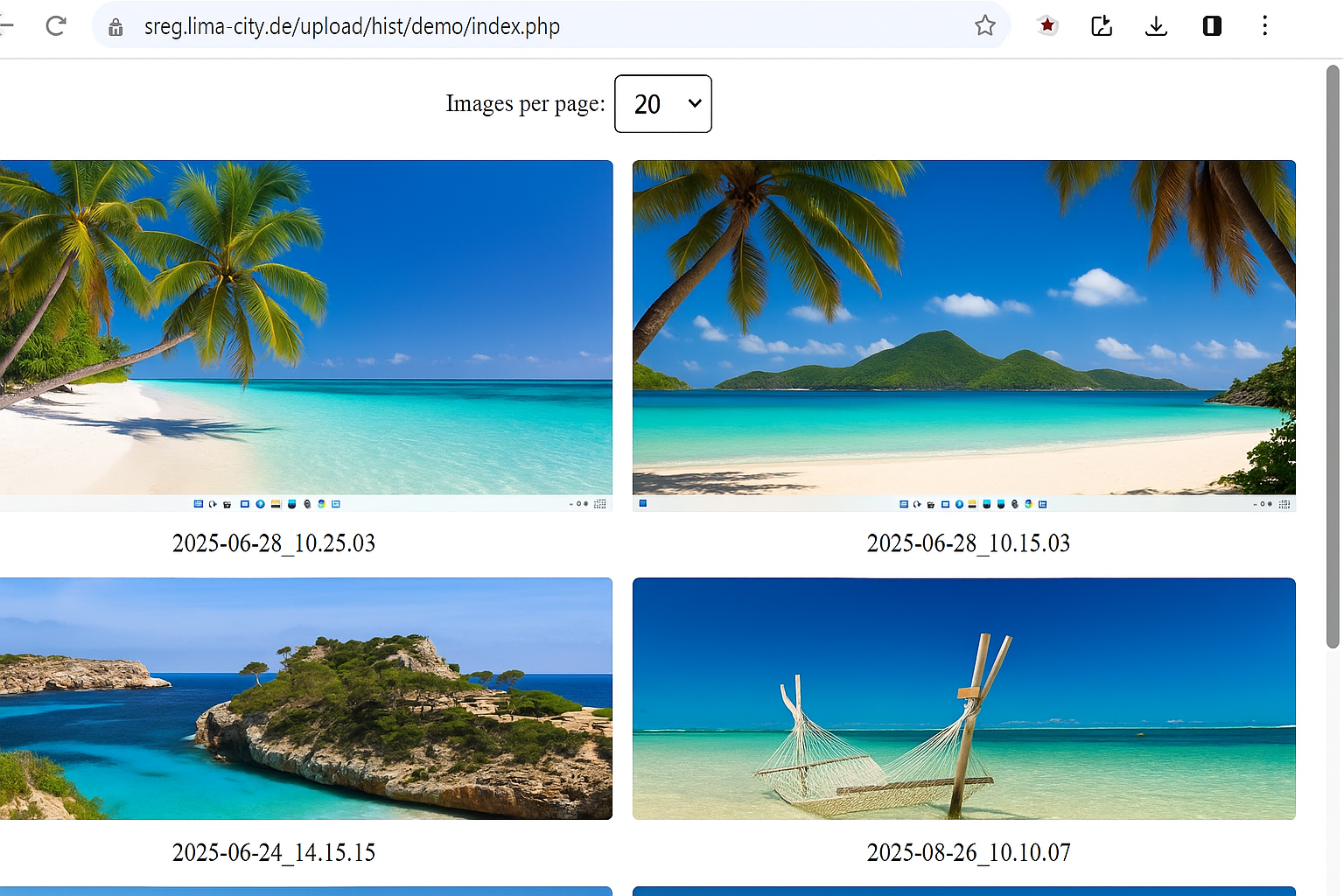
Can start with Windows and run without pop-ups, keeping daily workflows uninterrupted.
Important: Monitoring rules depend on employment/privacy law. Use transparently with a policy and qualified legal advice.
14 Days Free Trial →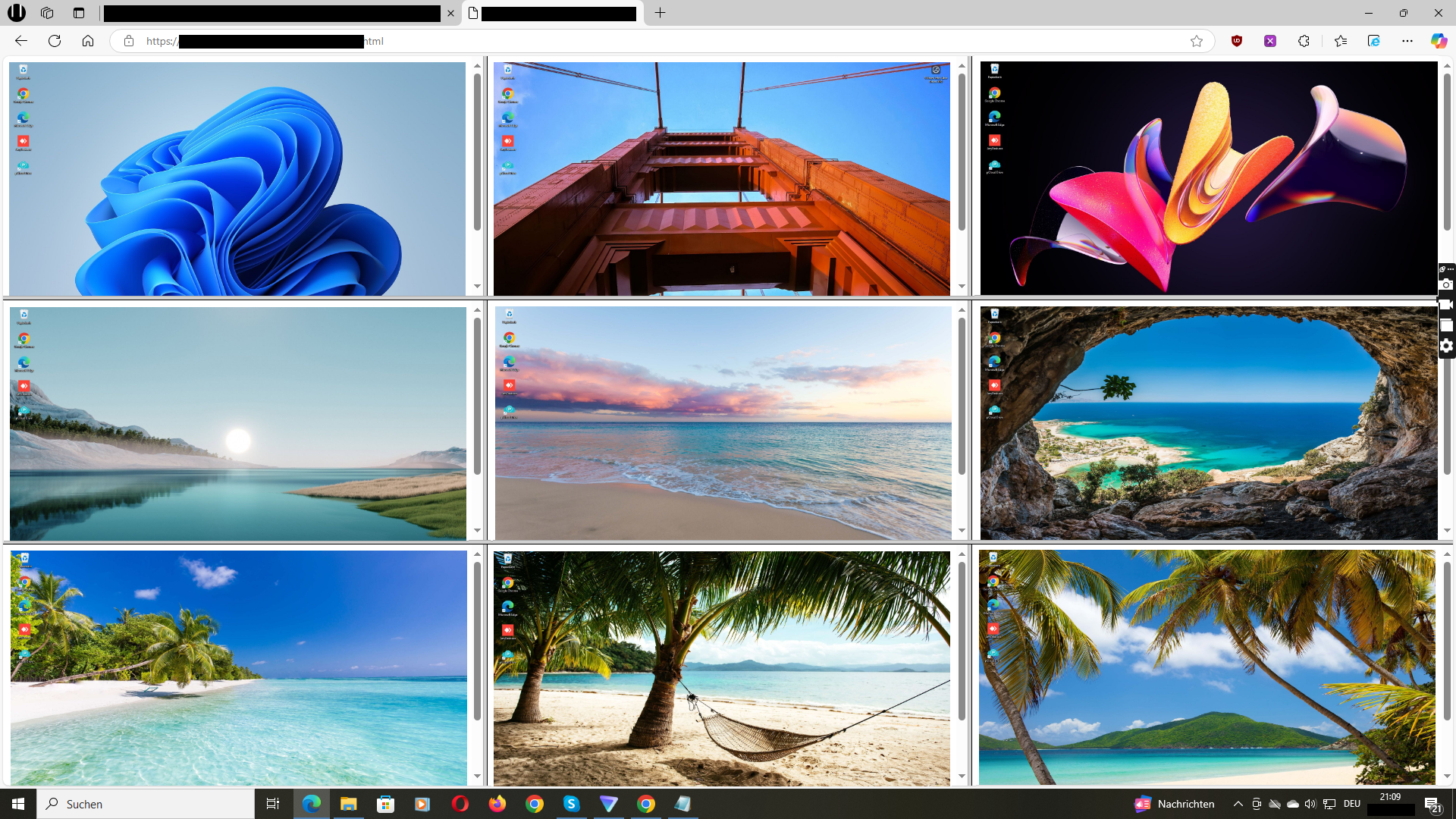
See how the live grid helps you verify faster and act with confidence.
Video: Wolfeye walkthrough (YouTube)
Practical articles and checklists — free and actionable.
Go to Blog →