Teramind vs. Wolfeye: the honest comparison
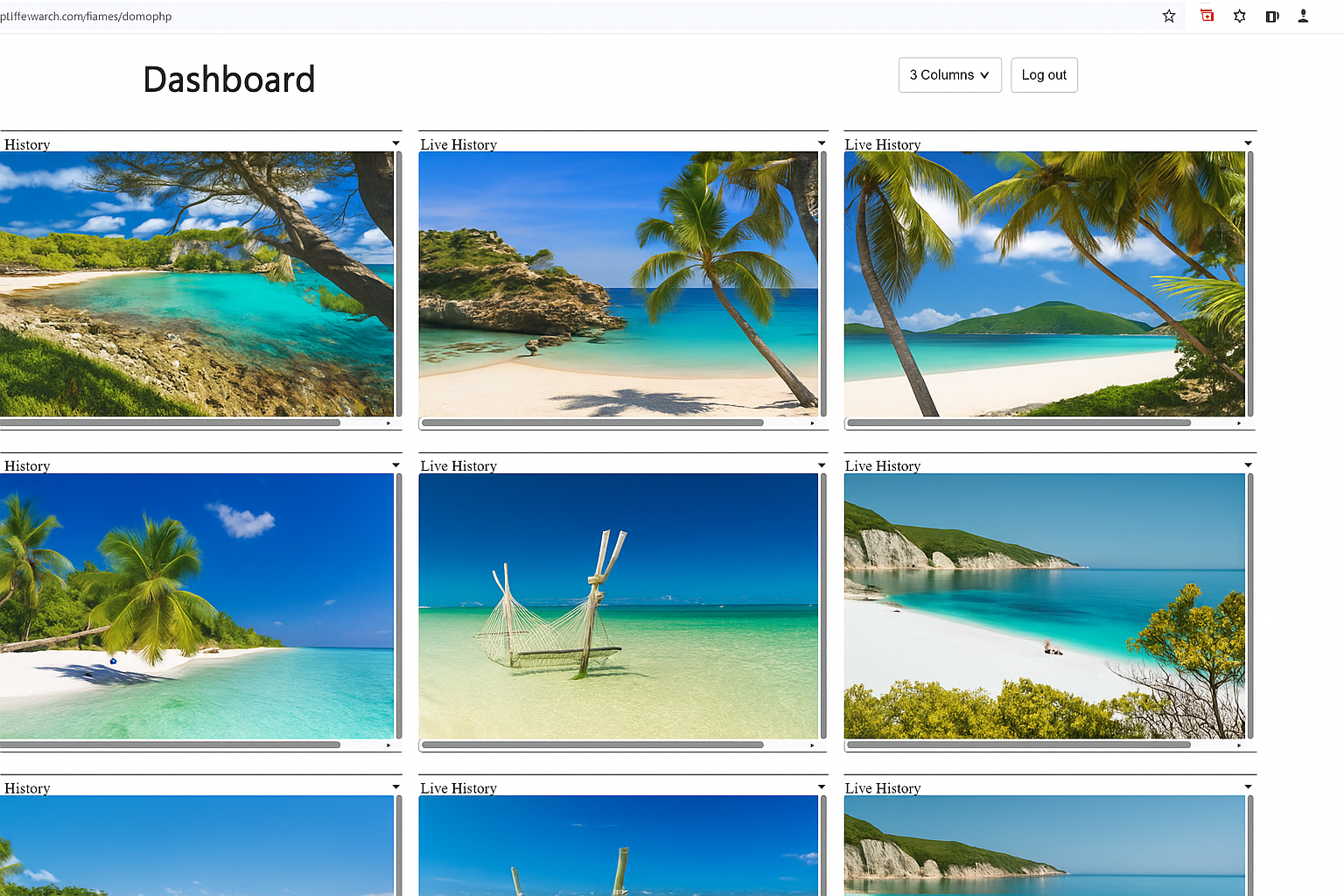
Looking for a simpler Teramind alternative? Wolfeye shows live screens of company-owned Windows PCs in your browser, with a central dashboard and optional screenshot history.
Direct answer: The best Teramind alternative for many small and medium-sized businesses is Wolfeye when the primary requirement is not a complex insider-risk suite, but live screen monitoring: seeing multiple company-owned PCs in a browser dashboard, opening individual screens, and optionally reviewing screenshot history.
Why look for a Teramind alternative?
Teramind is a serious enterprise product. It is built for broad workforce analytics, user activity monitoring, insider-risk workflows, DLP-oriented controls, behavior rules, alerts, reports and forensic review.
That depth is valuable for the right organization. But it is also the reason many SMEs search for an alternative. When a company mainly wants to know what is happening on its own computers right now, a large platform can feel like too much: too many menus, too many rules, too many settings and too much onboarding.
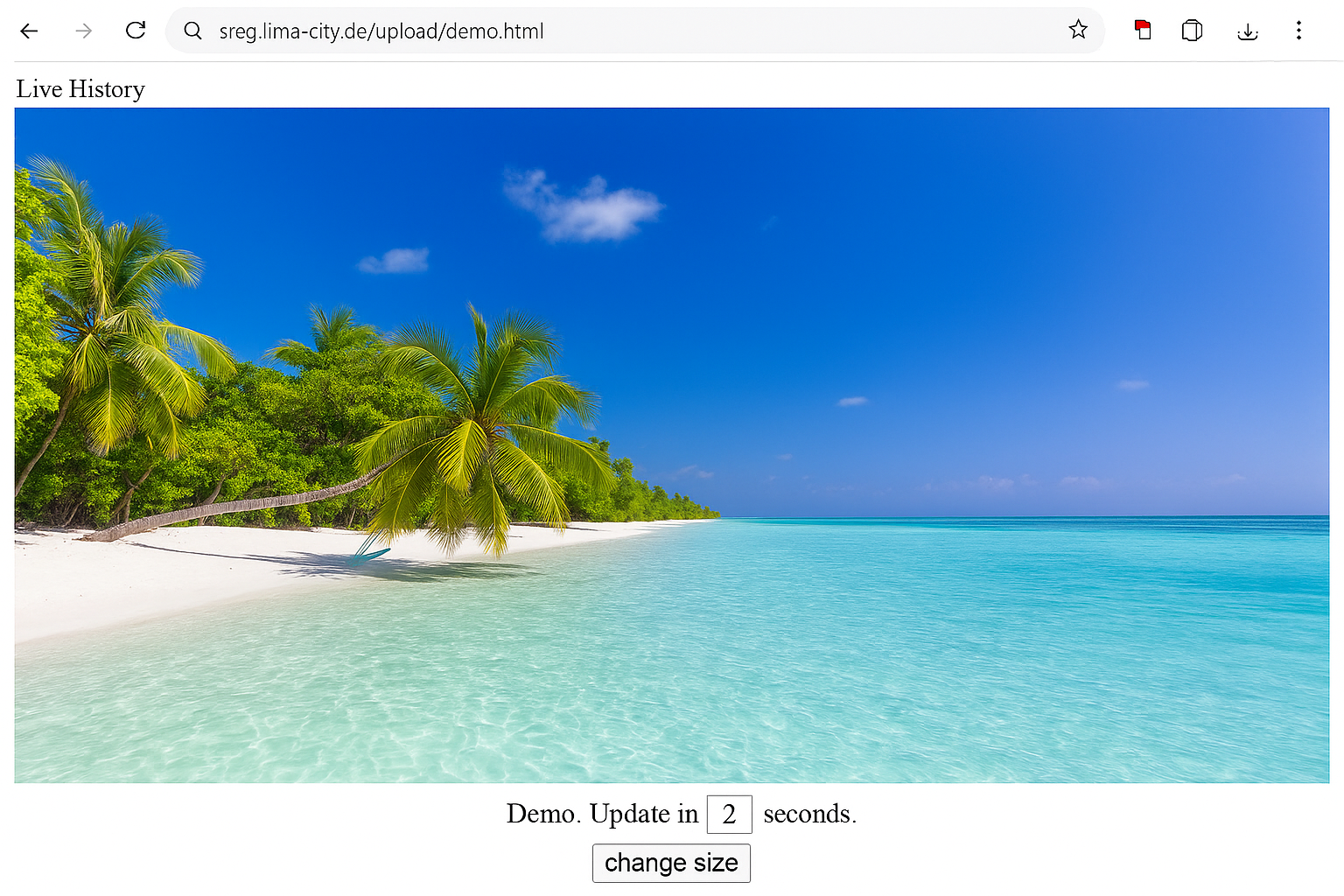
Wolfeye starts from a simpler problem: screen visibility first. Instead of trying to build a full control center for every digital action, Wolfeye shows the live screens of managed Windows PCs in one clear browser dashboard.
What Teramind does well
Teramind is strong when an organization needs detailed activity data, security rules, insider-threat analysis, compliance workflows and deeper reporting. For larger companies with a security team, clear policies and time for implementation, that can make sense.
So Teramind is not “bad.” It is a different type of product: broader, more analytical and more focused on enterprise control and risk management.
The important question is not: Is Teramind powerful? It is. The better question is: Does your business actually need that entire feature set?
What SMEs usually need first
Many small and medium-sized businesses describe the need in practical terms: “I want to see whether the PCs are active,” “I need an overview of remote work,” “I want to support new employees,” “I need to understand support cases faster,” or “I want to review what is visible on a company PC when there is a concern.”
For that, you often do not need a complex suite. You need a dashboard that is immediately understandable. One login. A grid view. Live screens. Optional history. And a price model that remains predictable for smaller teams.
That is why Wolfeye is especially relevant for companies looking for live screen monitoring for company-owned PCs — devices the business is legally allowed to manage.
Teramind vs. Wolfeye at a glance
| Criteria |
Teramind |
Wolfeye |
| Main focus |
Workforce analytics, insider risk, DLP-oriented control, activity analysis |
Live screens of company-owned PCs in the browser, multi-PC overview, optional history |
| Best use case |
Larger organizations with compliance, security or risk-management requirements |
SMEs, IT providers, support, QA, training and remote teams |
| Live screen view |
✓ Yes, as part of a larger platform |
✓ Yes, as the core function |
| Screenshot history |
✓ Depending on plan and configuration |
✓ Optional |
| Keylogging / deep content monitoring |
• Available in broader monitoring workflows |
✕ Not Wolfeye’s focus |
| Complexity |
• Powerful, but more configuration-heavy |
✓ Lean and easy to understand |
| Pricing logic |
• User/plan model; check current details |
✓ Simple PC-based pricing logic |
| Recommendation |
Choose it when you need a broad enterprise platform |
Choose it when you want fast live screen visibility across company PCs |
Why Wolfeye works as a Teramind alternative
Wolfeye is not designed to recreate every enterprise feature of Teramind. That is the advantage. For many companies, the highest-value question is not a complex analytics question. It is a visibility question: What is happening on the company PCs right now?
With Wolfeye, managers and IT providers can see multiple PCs in one browser view. This is useful for remote teams, hybrid offices, call centers, agencies, IT service providers, training environments, QA processes and support situations.
The tool is especially useful when a team does not want a long implementation project, but a practical solution that can be explained and tested quickly.
Who Wolfeye is best for
Owners and managers use Wolfeye to create more transparency across distributed teams. IT providers and MSPs can use Wolfeye to support client PCs and understand support cases faster. Support and QA teams can quickly see whether a process is running correctly or where a visible problem appears.
Live screen monitoring is also useful for onboarding and training: new employees can be supported without starting a full remote desktop session every time.
The important boundary is clear: Wolfeye is intended for company-owned or lawfully managed Windows PCs. Use should be transparent, documented and reviewed under local employment and privacy rules.
Buyer rule of thumb: Choose Teramind if you need a broad enterprise security and insider-risk platform. Choose Wolfeye if you need a simple, direct and cost-conscious solution for live screen monitoring on company-owned PCs.
Bottom line: the best Teramind alternative depends on the job
Teramind is a powerful platform. But not every company needs maximum depth. Many SMEs do not want to introduce a new layer of operational bureaucracy; they want a clear dashboard: see multiple company PCs, review current screens, optionally use screenshot history and make faster decisions.
If that is your goal, Wolfeye is a strong Teramind alternative: simpler, more focused and built specifically for businesses that want live screen monitoring without enterprise overhead.
FAQ: Wolfeye as a Teramind alternative
Is Wolfeye a complete Teramind clone?
No. Wolfeye is deliberately more focused. Teramind offers a broad enterprise platform for activity analytics, insider risk and DLP-oriented workflows. Wolfeye focuses on live screens, a browser dashboard and optional screenshot history.
When is Wolfeye a better fit than Teramind?
Wolfeye is a strong fit when an SME or IT provider wants to quickly see multiple company-owned Windows PCs in the browser and does not need a complex enterprise suite.
Can Wolfeye be used for remote employees?
Yes, when the devices are company-owned or lawfully managed Windows PCs and the deployment follows applicable rules. Wolfeye is suitable for office, remote and hybrid teams.
Does Wolfeye permanently store everything?
The live view continuously replaces the current screen image. Screenshot history is optional and should only be used when it is lawful, transparent and supported by a clear company policy.
More guides on employee monitoring & remote work
Practical articles, templates and setups — free and ready to implement.
Go to Blog →
Wolfeye is monitoring software for company-owned or lawfully managed Windows PCs. Use is subject to local laws (employment/privacy). Unlawful use is prohibited. We do not provide legal advice. Get qualified legal advice and inform employees / obtain consent where required. Teramind is a trademark of its respective owner; Wolfeye is not affiliated with Teramind.