1
Live screen view
See the current screen of every connected Windows PC in your browser.
 wolfeye.co
Wolfeye shows your computers together in one protected browser dashboard — simple, direct and from anywhere.

Everything you need for a clear overview — without an overloaded monitoring suite.
See the current screen of every connected Windows PC in your browser.
View multiple computers together on one protected page.
Keep a limited screenshot history when your organization needs it.
Wolfeye starts with Windows and can run without an open program window.
All connected Windows PCs in one live browser overview — clear, protected and available from anywhere.
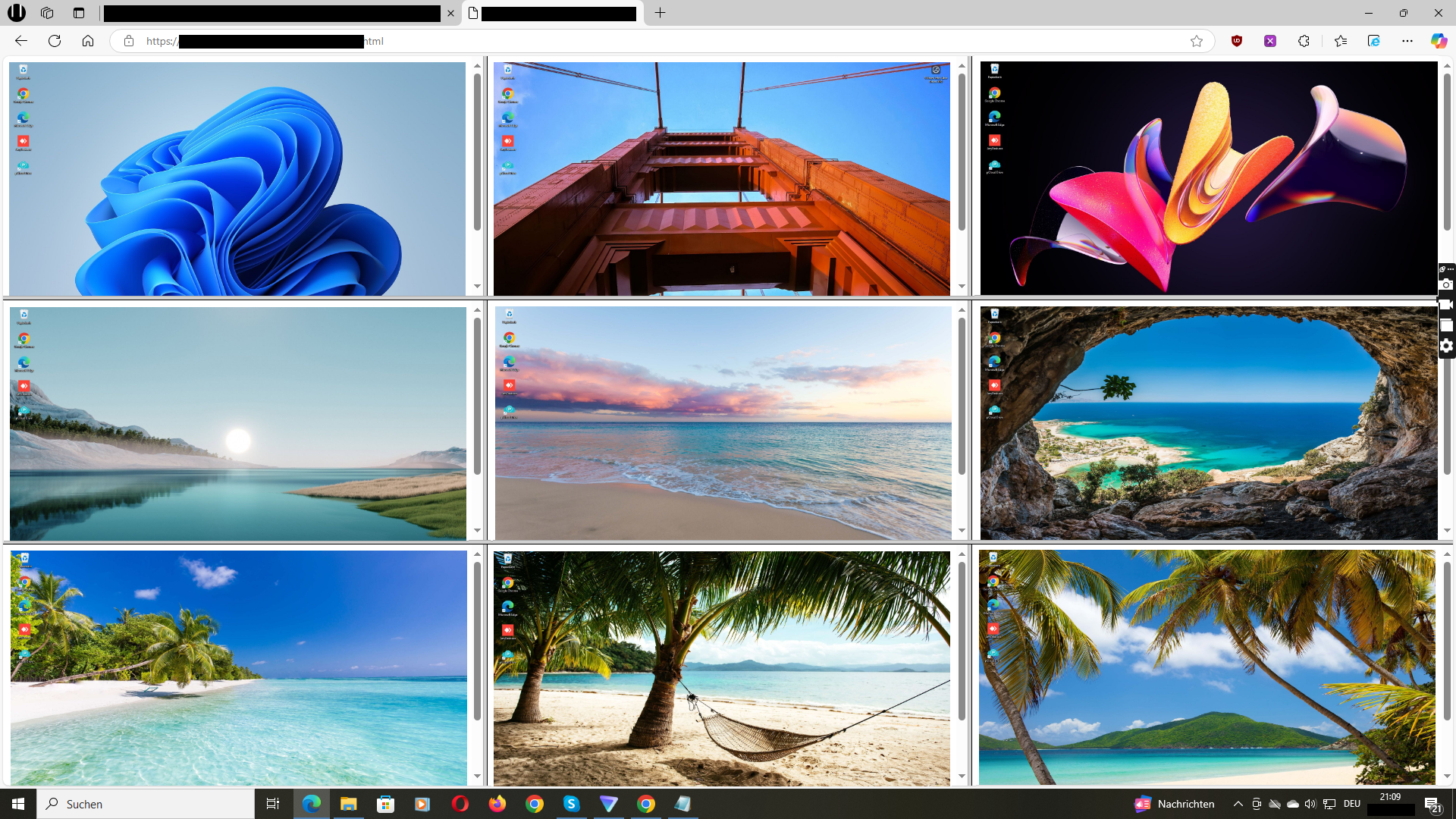
A direct view of managed computers helps you understand what is happening and where attention is needed.
Keep an overview of company-owned PCs in the office, at remote workplaces or across several locations.
See student progress on school-owned Windows PCs and recognize quickly where help is needed.
View the current screen before deciding whether a remote support session is necessary.
Follow participants on multiple computers and spot questions or problems earlier.

Install Wolfeye on the Windows computers managed by your company. Your personal dashboard then shows all live screens together in one browser view.
In computer rooms, Wolfeye gives teachers a live overview of school-owned Windows PCs. This makes it easier to follow progress and see where support is needed.
Wolfeye is designed around live screen visibility. Screen views are transmitted via HTTPS/TLS, access is protected, and screenshot history is optional.
Request a personal demo and test Wolfeye free for 14 days on managed Windows PCs.
Start Free Trial →Wolfeye may only be used lawfully on devices owned or managed by your organization. Observe local laws, privacy requirements and workplace or school policies. Inform users or obtain consent where required. Wolfeye does not provide legal advice.